
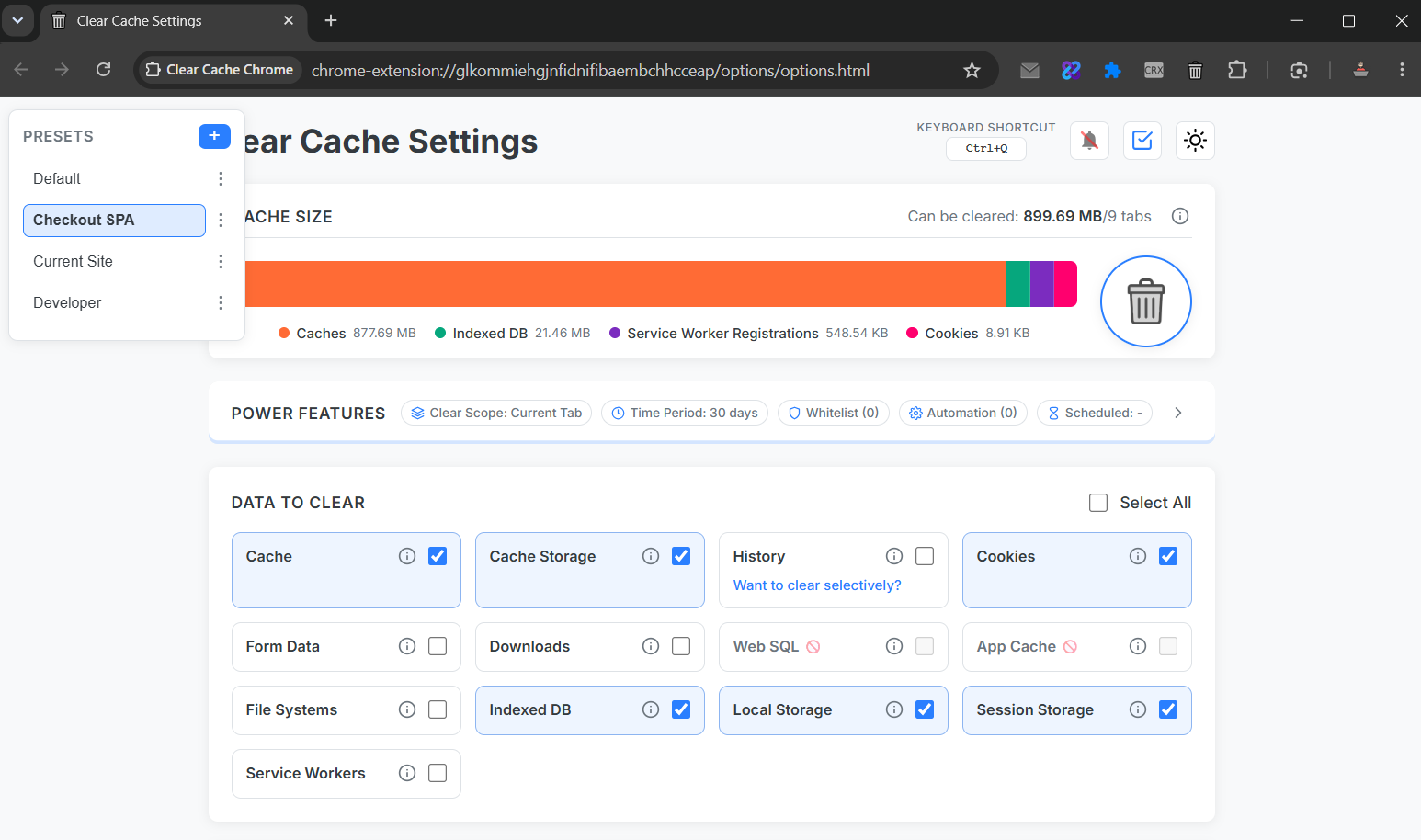
The hidden cost of manual resets
Manual Clear browsing data flows average 6–8 clicks and force you to re-select time range and data types every run. For QA teams executing dozens of cases daily, that friction compounds into measurable lost time.
Chrome cache clear keyboard shortcut setup
- Create a preset: Current Site + cache + service workers + reload.
- Open extension options → Shortcuts.
- Assign Ctrl+Q (Windows) or Cmd+Q (Mac).
- Run your test → hotkey → fresh state in under two seconds.
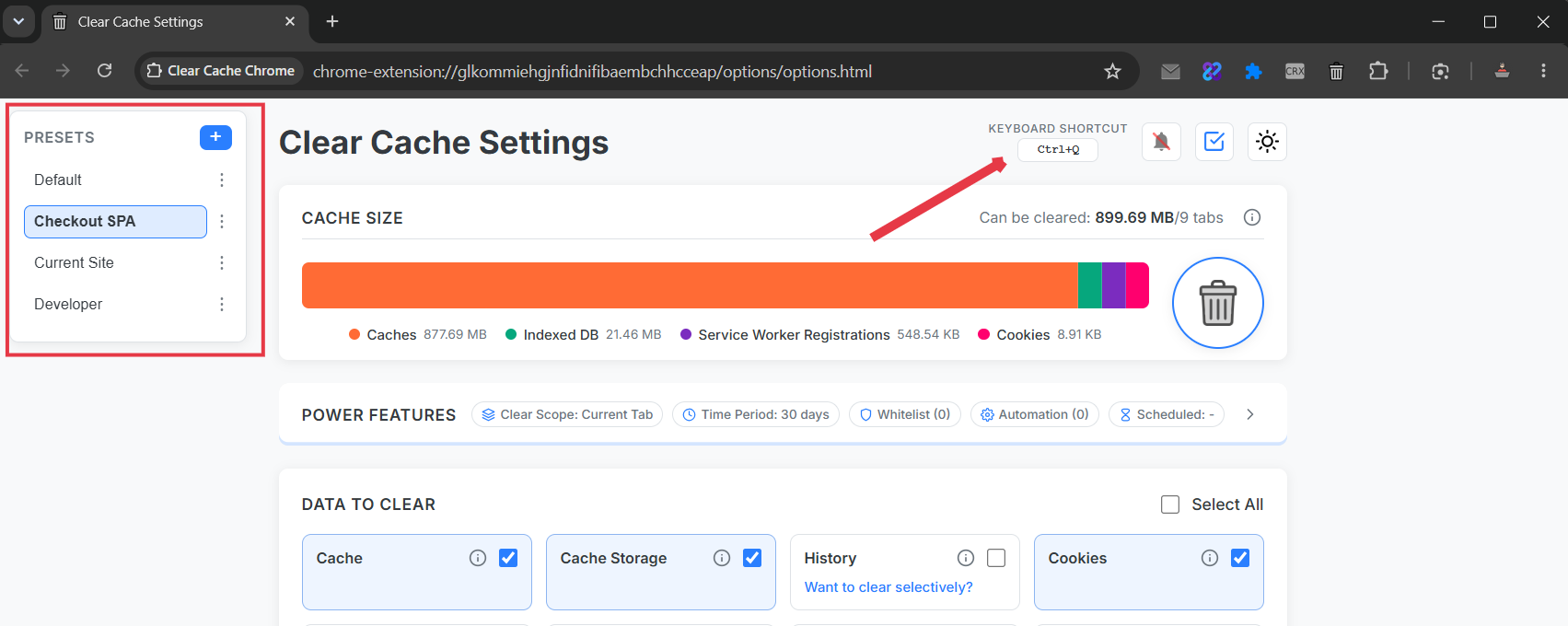
Presets per project
Name presets after repos or clients: Acme Staging, Checkout SPA, Legacy Portal. Each stores its own scope, data types, and post-clean reload behavior.
Clear cache chrome hotkey vs. native shortcuts
Chrome's hard refresh (Ctrl+Shift+R) bypasses cache for one request but leaves service workers and storage untouched. A dedicated clear cache chrome shortcut runs the full reset sequence you define.
Context menu and toolbar triggers
- Toolbar: fastest for ad-hoc checks.
- Context menu: right-click any page → run preset.
- Shortcut: best for high-frequency QA loops.
Combine with current-site scope so parallel client sessions stay signed in.