
Developer & QA Playbook

Stop Clicking 'Clear Browsing Data': Build Repeatable Browser Reset Workflows

Clear Cache Chrome · Tech Product Partners KFT.

Build a repeatable browser reset workflow in Chrome by saving cleanup presets per project and binding them to keyboard shortcuts (Ctrl+Q on Windows, Cmd+Q on Mac). Clear Cache Chrome runs your exact scope and data-type combo in one action — no more digging through Clear browsing data.

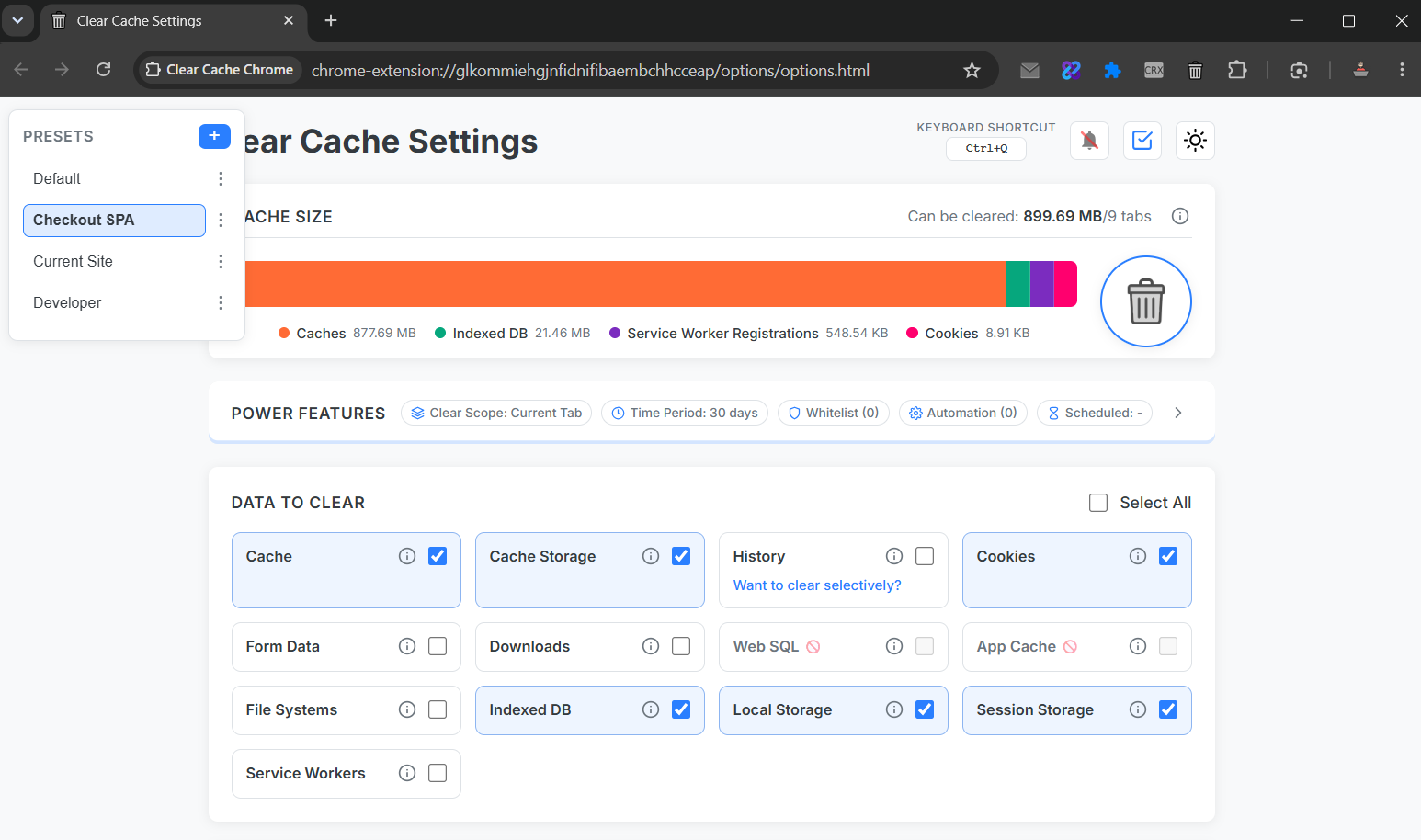
Extension options screen showing saved presets list and Ctrl+Q / Cmd+Q shortcut assignment

The hidden cost of manual resets

Manual Clear browsing data flows average 6–8 clicks and force you to re-select time range and data types every run. For QA teams executing dozens of cases daily, that friction compounds into measurable lost time.

Chrome cache clear keyboard shortcut setup

  1. Create a preset: Current Site + cache + service workers + reload.
  2. Open extension options → Shortcuts.
  3. Assign Ctrl+Q (Windows) or Cmd+Q (Mac).
  4. Run your test → hotkey → fresh state in under two seconds.
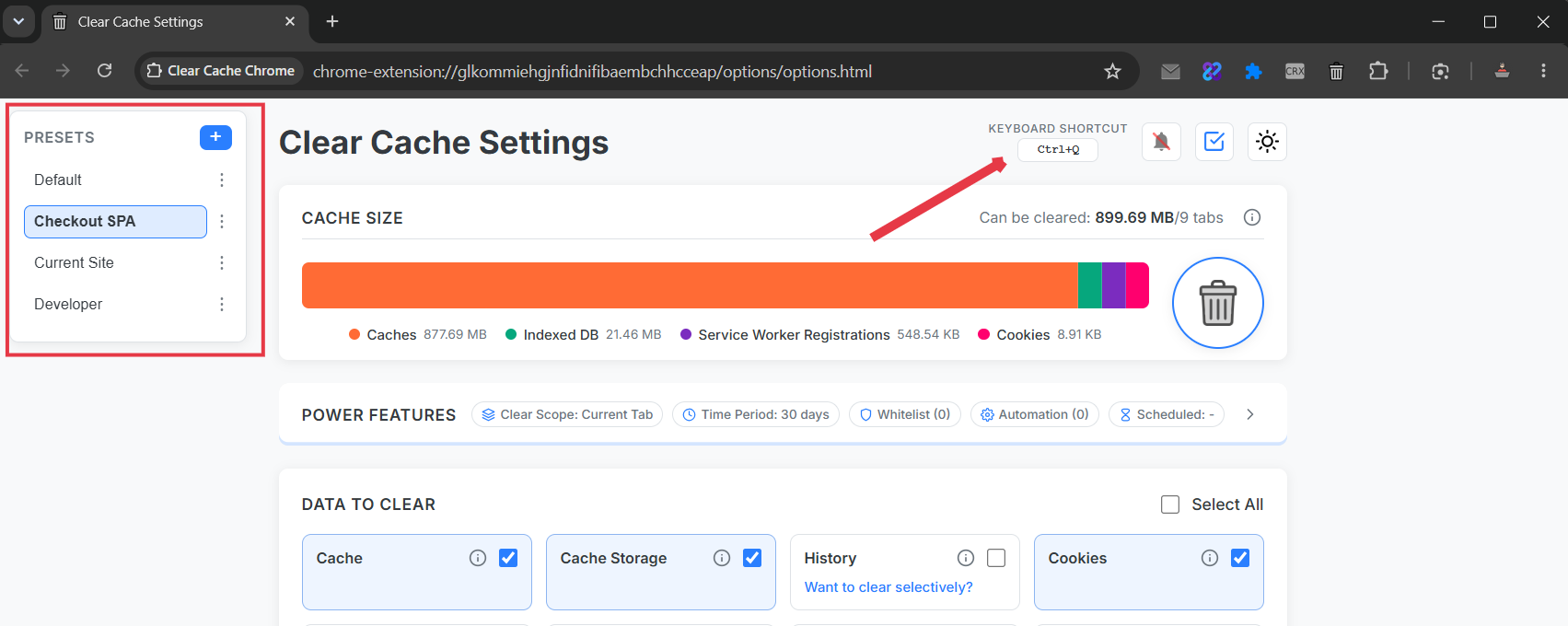
Presets and keyboard shortcut settings in Clear Cache Chrome extension
Presets turn multi-click settings dialogs into a single shortcut.

Presets per project

Name presets after repos or clients: Acme Staging, Checkout SPA, Legacy Portal. Each stores its own scope, data types, and post-clean reload behavior.

Clear cache chrome hotkey vs. native shortcuts

Chrome's hard refresh (Ctrl+Shift+R) bypasses cache for one request but leaves service workers and storage untouched. A dedicated clear cache chrome shortcut runs the full reset sequence you define.

Context menu and toolbar triggers

  • Toolbar: fastest for ad-hoc checks.
  • Context menu: right-click any page → run preset.
  • Shortcut: best for high-frequency QA loops.

Combine with current-site scope so parallel client sessions stay signed in.

Frequently Asked Questions

What is the Chrome clear cache keyboard shortcut?

Chrome has no default cache-only hotkey. With Clear Cache Chrome you assign Ctrl+Q (Windows/Linux) or Cmd+Q (Mac) to run a saved preset instantly.

How do QA teams automate browser reset?

Save presets per environment (staging, prod-mirror), include service workers and session storage, and trigger via shortcut or context menu between test cases.

Can I clear cache without opening Chrome settings?

Yes. Toolbar click, keyboard shortcut, or right-click context menu — all execute your preset without the settings UI.