Why Your Hard Refresh Isn't Working: Clearing Service Workers and Session Storage
Clear Cache Chrome · Tech Product Partners KFT.
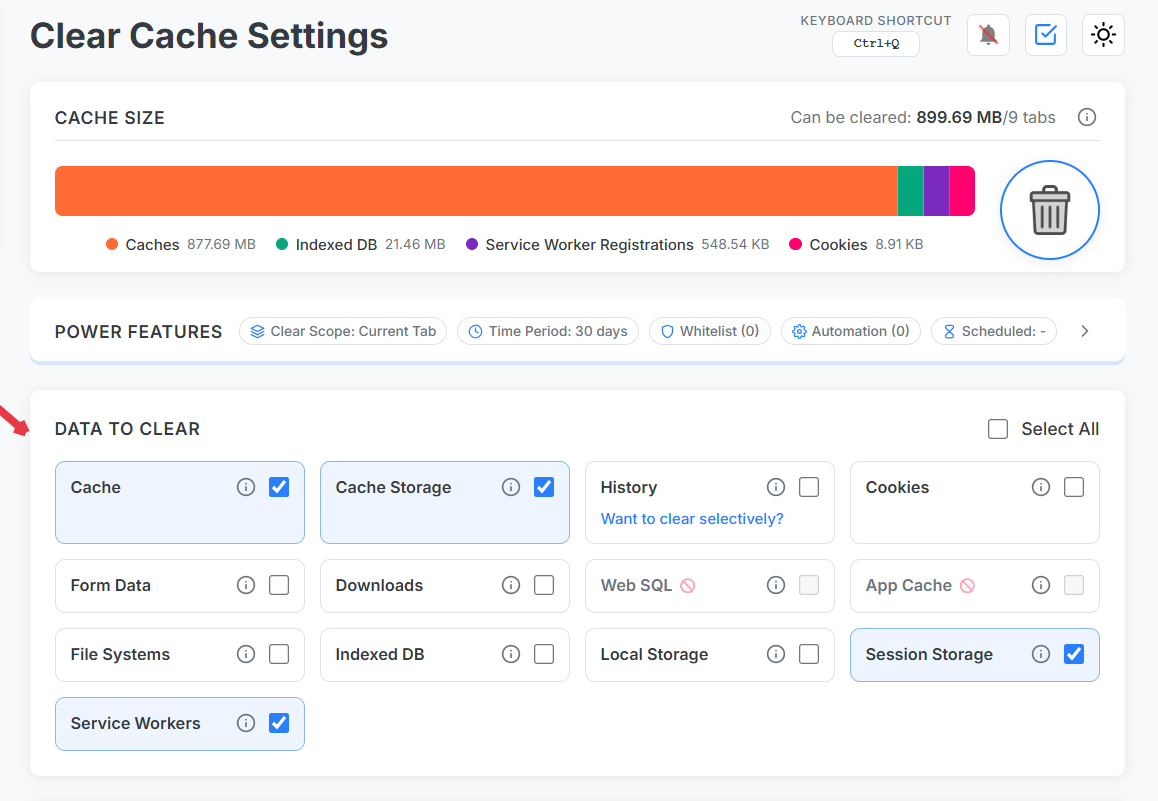
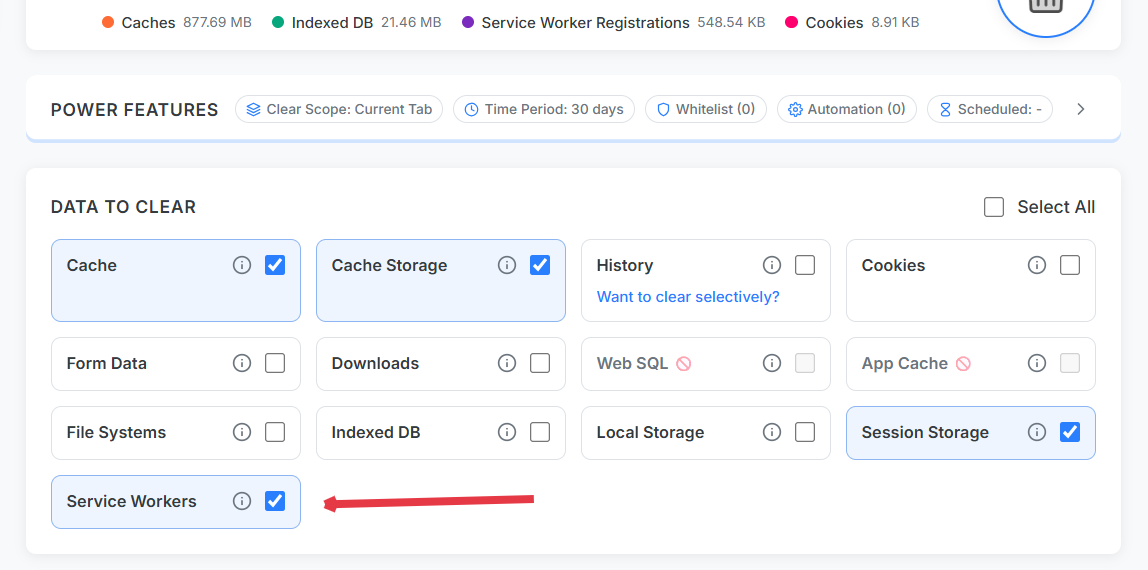
When a hard refresh still shows stale content, service workers, cache storage, or sessionStorage are usually holding old state. Clear Cache Chrome lets you unregister service workers and wipe session storage for the current site in one run — something Ctrl+Shift+R cannot do.
What hard refresh actually clears
According to Chrome's service worker docs, a registered worker can intercept requests and serve cached responses even after a hard reload. Session storage and cache storage add additional layers DevTools users know — but rarely want to click through daily.
Reliable reset sequence
Scope: Current Site.
Enable: HTTP cache, cache storage, service workers, sessionStorage.
Optional: localStorage + IndexedDB for full SPA reset.
Run cleanup → automatic tab reload.
Granular control over every browser-side state layer.
CDN and server cache vs. browser cache
Clearing browser state cannot purge a remote CDN edge. If stale assets persist after a full browser reset, verify deploy hashes or purge CDN — but 80% of "hard refresh failed" tickets are local service worker issues.
Clear session storage extension workflow
Session storage often holds in-memory cart state, wizard steps, and feature flags. Wiping it alongside service workers gives QA a predictable baseline without closing the tab.
Hard reload skips the network cache for that navigation but does not unregister service workers or clear storage APIs like sessionStorage and IndexedDB.
How do I clear a service worker in Chrome?
Use Clear Cache Chrome with the service worker option enabled for current site scope, or manually via DevTools → Application → Service Workers → Unregister.
What is the difference between localStorage and sessionStorage?
localStorage persists across tabs and restarts for an origin; sessionStorage is per-tab and cleared when the tab closes. Both can serve stale app state after deploys.